
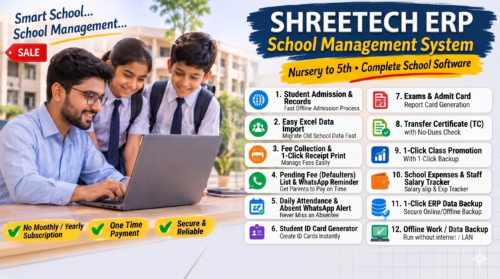
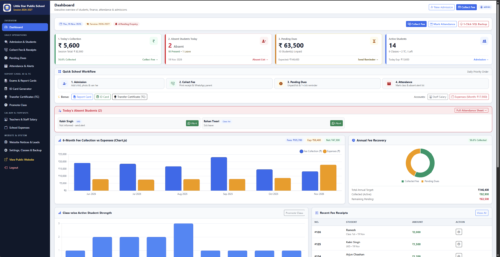
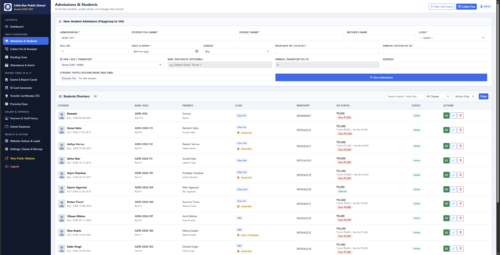
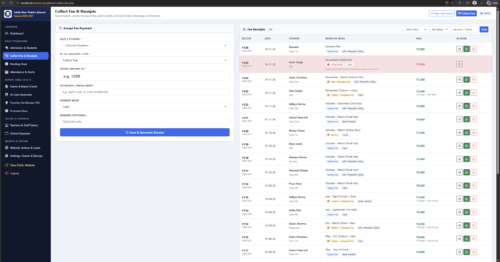
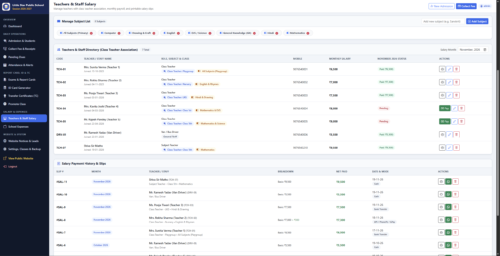
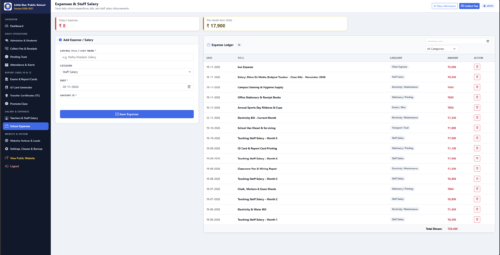
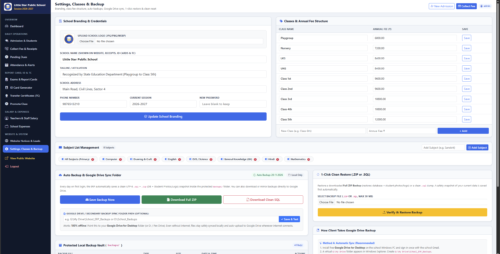
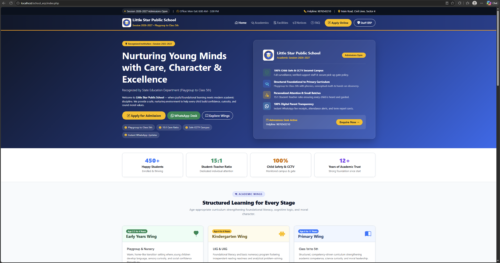


ShreeTech ERP — Complete School Management System ek advanced, fully-dynamic software application hai jo schools ko apne daily administrative aur academic operations ko smart tarike se manage, automate aur grow karne me help karta hai.
Yeh specially Nursery to Class 5th ke schools ke liye design kiya gaya ek real-world practical system hai.
Is system me school administration aur staff:
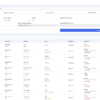
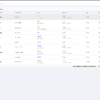
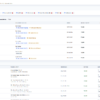
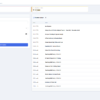
- Student Management (Admissions, Profiles & Records)
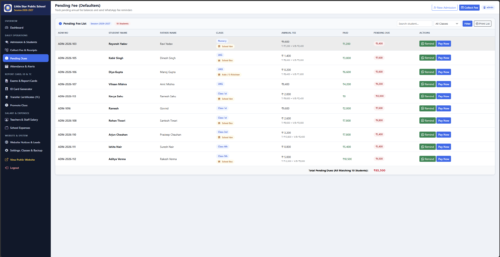
- Fee Management (Fee Collection, Pending Dues & Receipts)
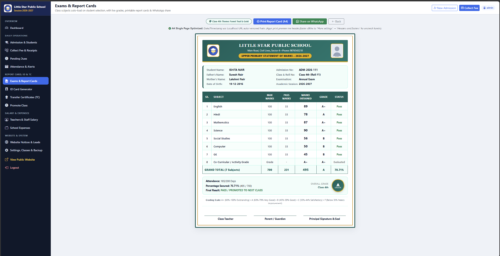
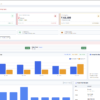
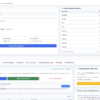
- Reports & Analytics (6-Month Fee Collection vs Expenses & Annual Fee Recovery)
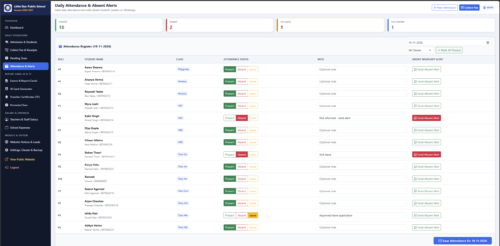
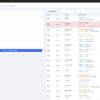
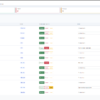
- Attendance & Leave Management (Daily Absent Students Tracking)
- Alerts & Notifications (Instant Alerts & Updates)
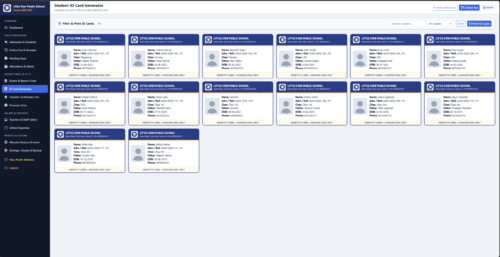
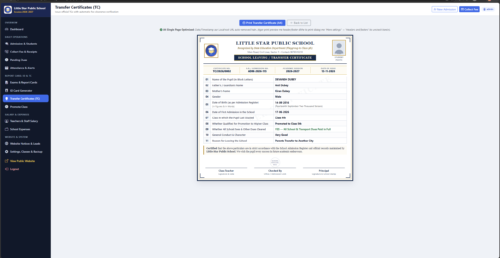
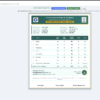
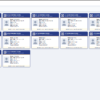
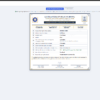
- ID Card & TC Generator (One-Click Student ID & Transfer Certificate)
sab kuch ek hi secure aur easy-to-use dashboard par maintain kar sakte hain, aur Offline + Online Both Support ke saath bina kisi rukawat ke kaam kar sakte hain.
✨ Key Highlights
- Specially Designed for Nursery to Class 5th
- One-Click Installation (Easy & Fast Setup)
- Offline + Online Both Support
- Secure, Reliable & Easy-to-Use Dashboard
✔ Technology Used
| Technology | Role |
| PHP (Core) | Backend |
| MySQL | Database |
| JavaScript / Chart.js | Dynamic Logic & Fee Analytics Charts |
| Bootstrap 5 | UI / Responsive Design |
| HTML / CSS | Frontend |
| FontAwesome | Icons |
🧑🎓 Who Can Use This Project?
- Schools & Playgroups (Nursery to Class 5th)
- BCA / MCA Final Year Students
- B.Tech / BSc IT / Diploma CS Projects
- Freelancers & Software Resellers
- Anyone learning PHP & MySQL Development
Yeh ek real-world complete ERP system hai jo manual paperwork khatam karke school management ko fast aur error-free banata hai.
⚙️ Installation Process (Step-by-Step)
⚡ Option A: One-Click Installation (Recommended)
- Run the One-Click Installer package included in the project folder
- Follow the on-screen setup wizard — database aur configuration automatically set ho jayenge
🔧 Option B: Manual Installation (XAMPP)
1. Install XAMPP
- Download & Install XAMPP
- Start → Apache & MySQL
2. Copy Project Folder
Project ko paste karein:
C:\xampp\htdocs\ShreeTech-ERP\
3. Import Database
- Open http://localhost/phpmyadmin
- Create DB: shreetech_erp
- Import the provided
.sqlfile and runhttp://localhost/ShreeTech-ERP/
📞 For Demo, Queries & Purchase:
- WhatsApp / Call: +91 70008-30947 (Chat on WhatsApp)
- By: Projectworlds


Reviews
There are no reviews yet.