
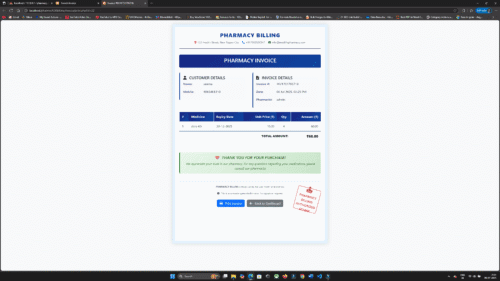
🛠️ Installation Steps (XAMPP):
- Download Source Code
Unzip the file and place it in C:\xampp\htdocs\pharmacy_billing - Start XAMPP
Open XAMPP Control Panel and start Apache and MySQL - Create Database
- Go to: http://localhost/phpmyadmin
- Click “New” → Create database name: pharmacy_billing
- Import Database
- Select pharmacy_billing database
- Go to Import → Upload and import pharmacy_billing.sql
- Run the Project
- Open browser and go to:
http://localhost/pharmacy_billing/login.php
- Open browser and go to:
🔐 Login Credentials:
👤 Admin Panel:
- Username: admin
- Password: admin123
👤 Pharmacist Panel:
- Username: pharma4
- Password: pharma4



Reviews
There are no reviews yet.